

 EN
EN DE
DE CH
CH AT
AT

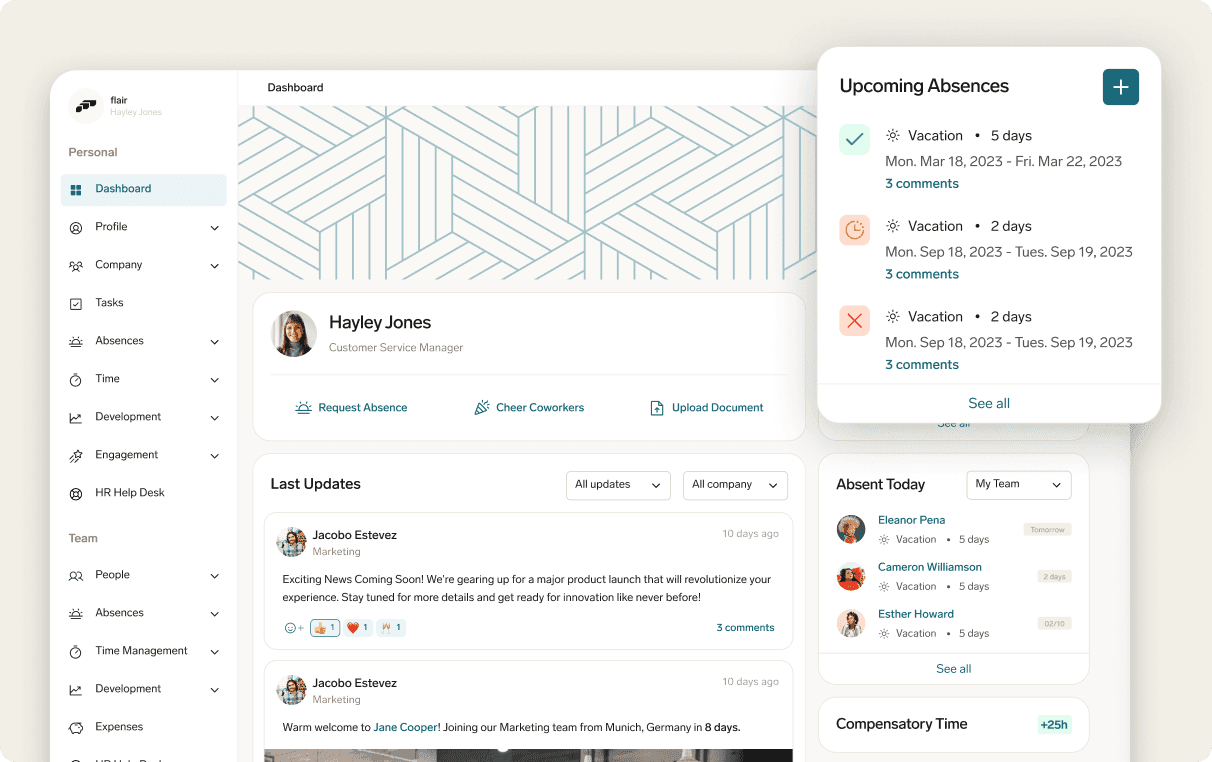
Easy-access employee portal

Help employees stay informed about company news, upcoming vacations, and more.
The Number One HR Solution on Salesforce
Employee Engagement Software
Strengthen belonging among employees with flair’s employee engagement features. Create an involving workplace culture that keeps your team motivated and connected.
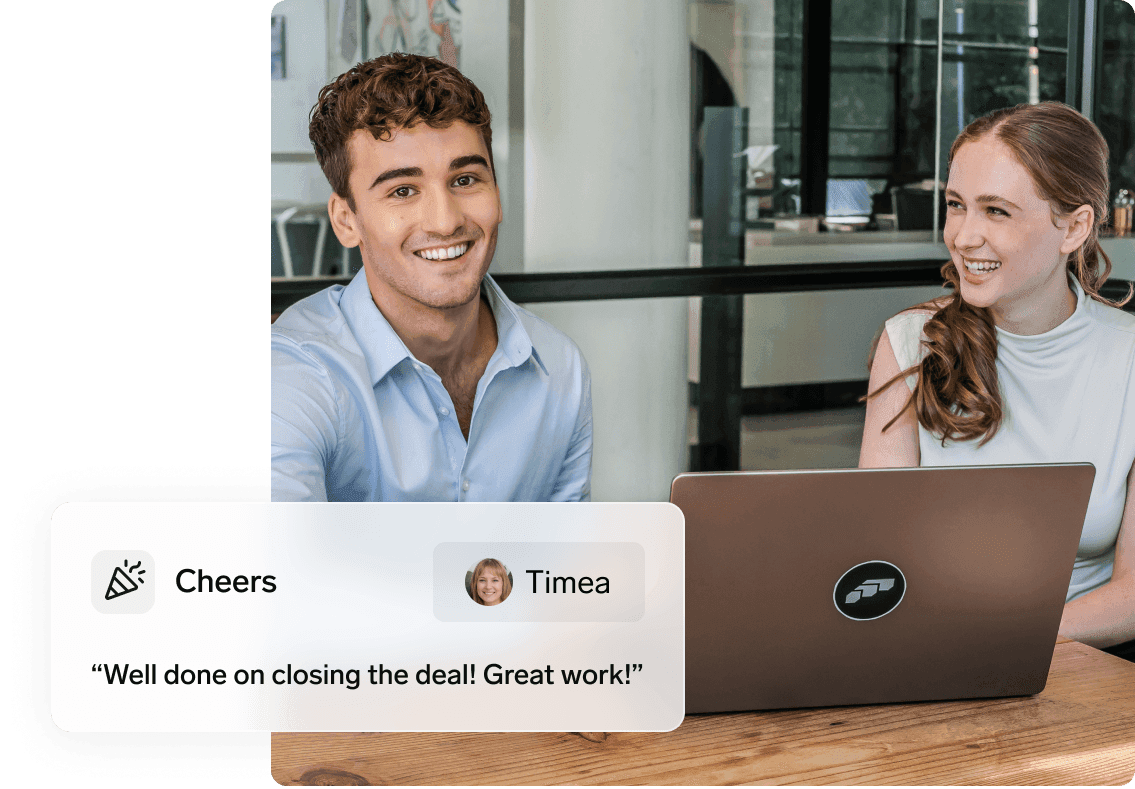
Whether your employees are in traditional workspaces or remote setups, flair’s employee engagement tools bring everyone together.
Help employees stay informed about company news, upcoming vacations, and more.

Empower staff to communicate their career goals and chart a path towards success.

Simplify the process of collecting and interpreting employee feedback.

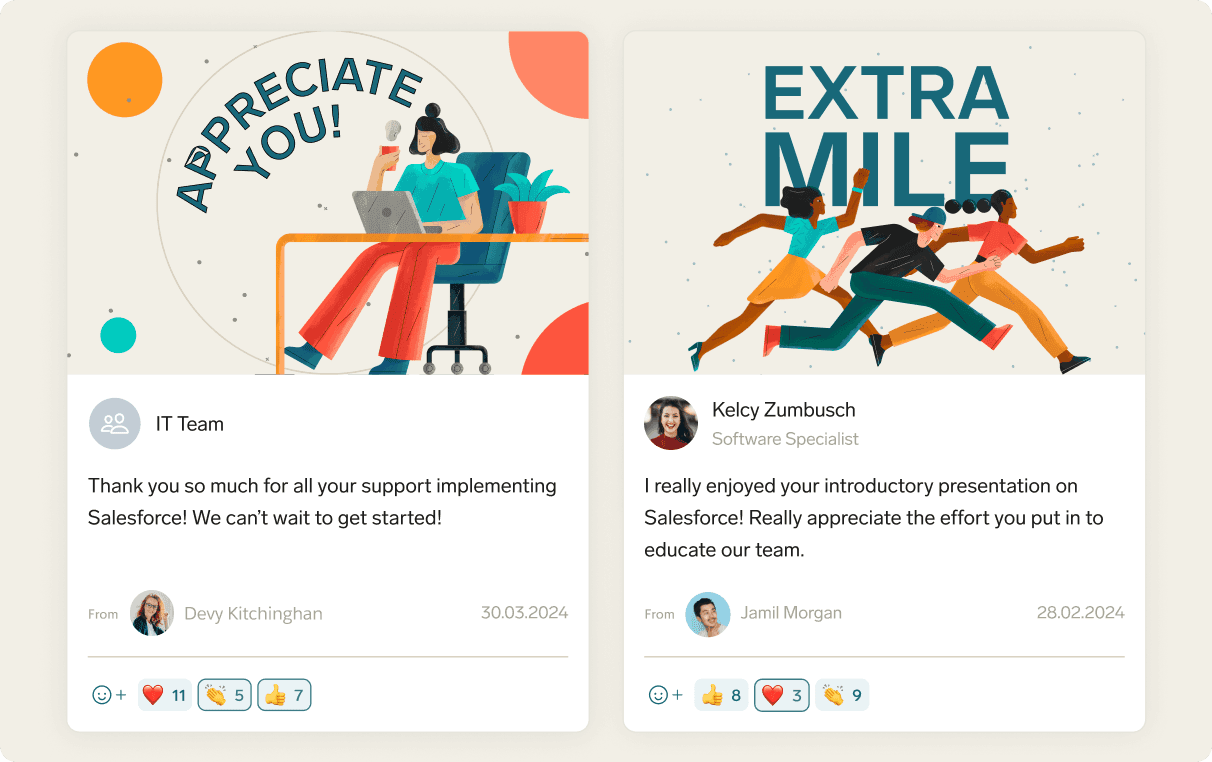
Keep things fun and show appreciation to individuals or teams for a job well done.

Dennis Hilger
COO & Co-Founder
HQ Hamburg
Tech
Remote Team

“We’re a remote-first company, so it’s especially important that we appreciate great work. We can now simply send a Cheer in flair to recognize employee milestones and achievements.”
The Employee Hub is a central portal for staff to complete everyday HR tasks. This flair feature helps improve communication and reduce HR admin tasks.
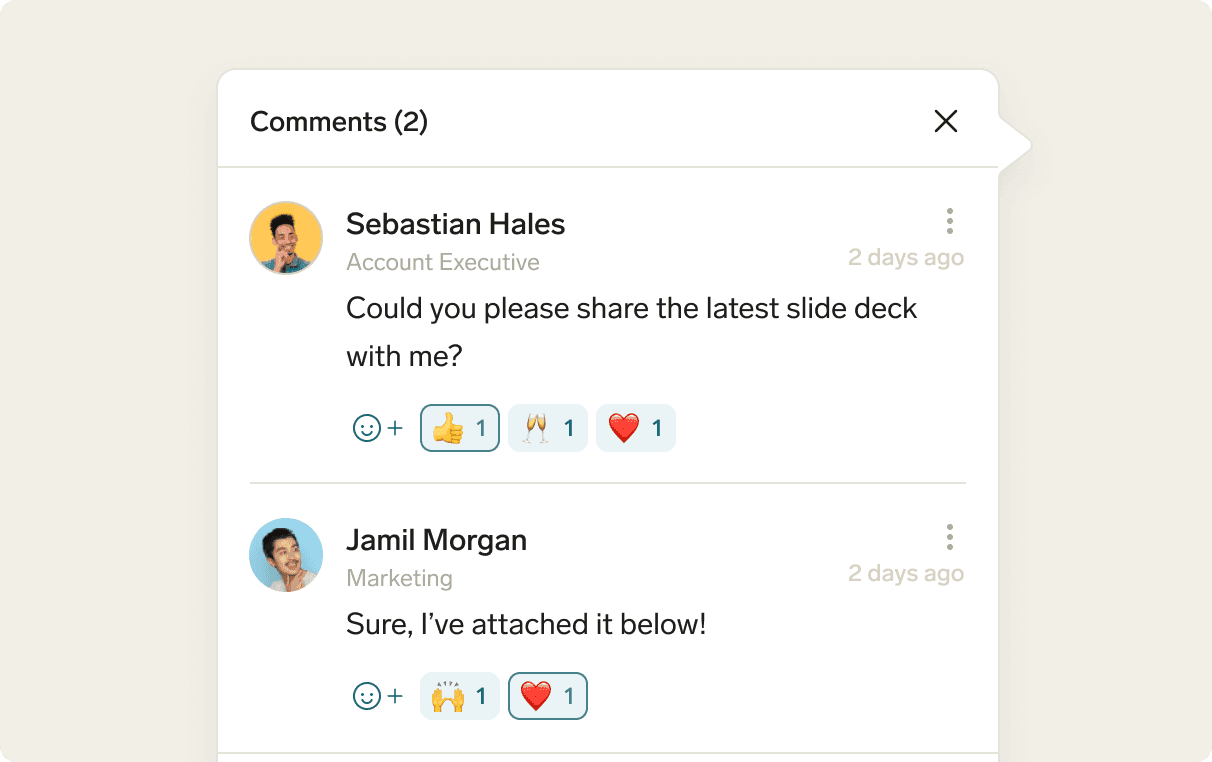
Promote constructive discussions, idea sharing, feedback, and send video messages within the centralized Employee Hub.
Celebrating milestones is a powerful motivator and an important part of employee recognition. Send a flair Cheer in the form of a video or a specially designed image and mark an anniversary or a job well done.
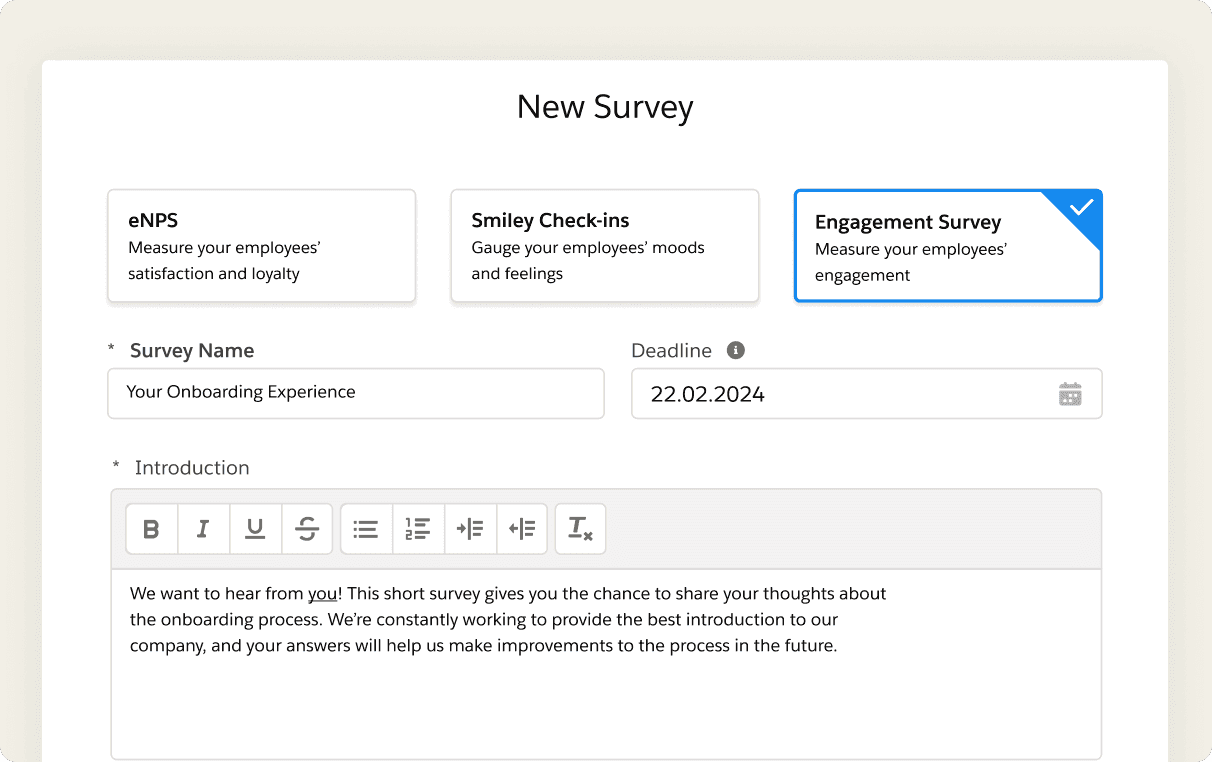
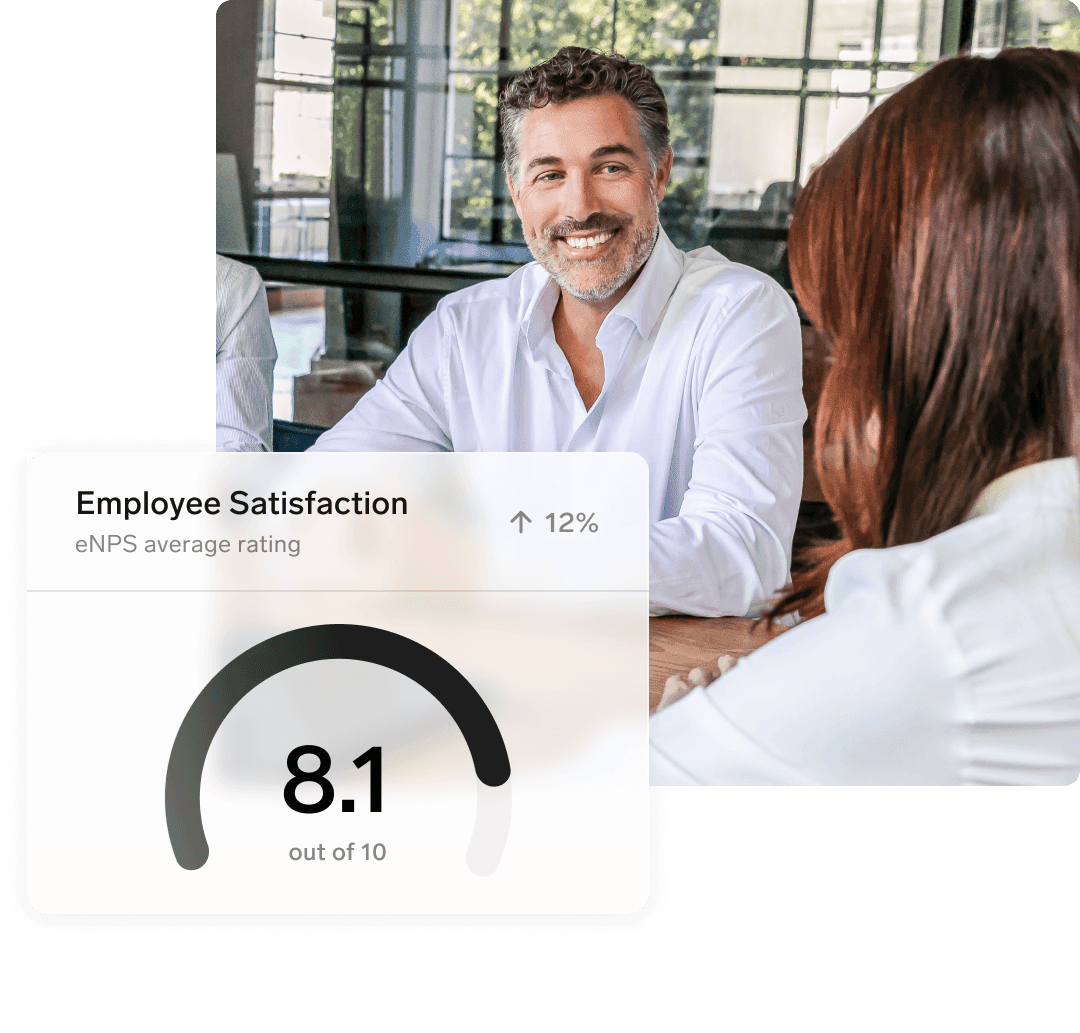
Gain valuable insights into employee attitudes, perceptions, and satisfaction levels with custom flair surveys. Analyze the results and prioritize initiatives that enhance your company culture.
Discover how flair Employee Engagement can boost morale and productivity across different industry sectors.

Healthcare companies can use flair surveys to respond to staff satisfaction and improve well-being.

Use flair Cheers to celebrate and notify the workforce about the Employee of the Month.

flair’s commenting, tagging, and video-sharing mean tech teams need fewer apps to stay connected.



Absence management is the strategy used to handle and respond to staff absences and holiday requests. It involves developing leave policies and procedures that determine how much paid time off (PTO) employees are entitled to, how they submit their requests for time off, and who should cover their work during their absence. It is one of the core administrative tasks of any human resources team.
Absence management aims to ensure that workplace disruption is minimized and productivity is maintained while staff members are absent from work. An effective absence strategy can safeguard the running of a business, improve employee well-being, reduce absenteeism, and decrease associated costs.
Absence policies must also comply with local regulations. These typically set the minimum number of vacation days employees are entitled to take, as well as other types of leave, such as sick leave and parental leave. Examples include the Family and Medical Leave Act (FMLA) in the United States, which grants employees protected leave if they have a child or a serious health condition.
Without an absence management system, HR professionals can lose valuable time on processing and filing absence requests. Based on our experience, we estimate that manual absence management processes can lead to an average of 300 hours of lost productivity per year for a company with 100 employees. Not only does this result in disorganized processes and unsatisfied employees, but companies can also run the risk of fines if they fail to comply with labor laws concerning statutory leave.
Absence management software, such as flair, helps automate company procedures and improves how employee leave is communicated, responded to, calculated, tracked, and assessed. This can save considerable time on admin while helping companies to comply with labor laws.
As an all-in-one HR management system, flair integrates absence management features such as employee attendance tracking and absence calendars with other relevant information, including timesheets, talent management, and shift planning. This provides a holistic management tool that gives you all the data you need in one place.
Replacing spreadsheets and siloed solutions with an integrated leave management system makes your life easier and improves the employee experience. You can oversee absences with ease using our user-friendly Mac app, or our mobile app for iOS and Android. For employees, it’s easy to submit absence requests via our self-service Employee Hub.
Using flair, requesting a vacation, sick leave, or any other type of absence is very simple. By logging into the Employee Hub, our cloud-based employee self-service platform, users can submit all the information required by your company’s absence request policy. This includes defining which employees will cover the work, uploading sick notes or other absence documents, and leaving comments for additional information.
Employees and managers can view the remaining leave balance before submitting or approving a request. Once a request is sent, managers can also receive absence notifications in real time via email, Slack, or in the Employee Hub, allowing them to arrange cover and reschedule shifts as necessary.
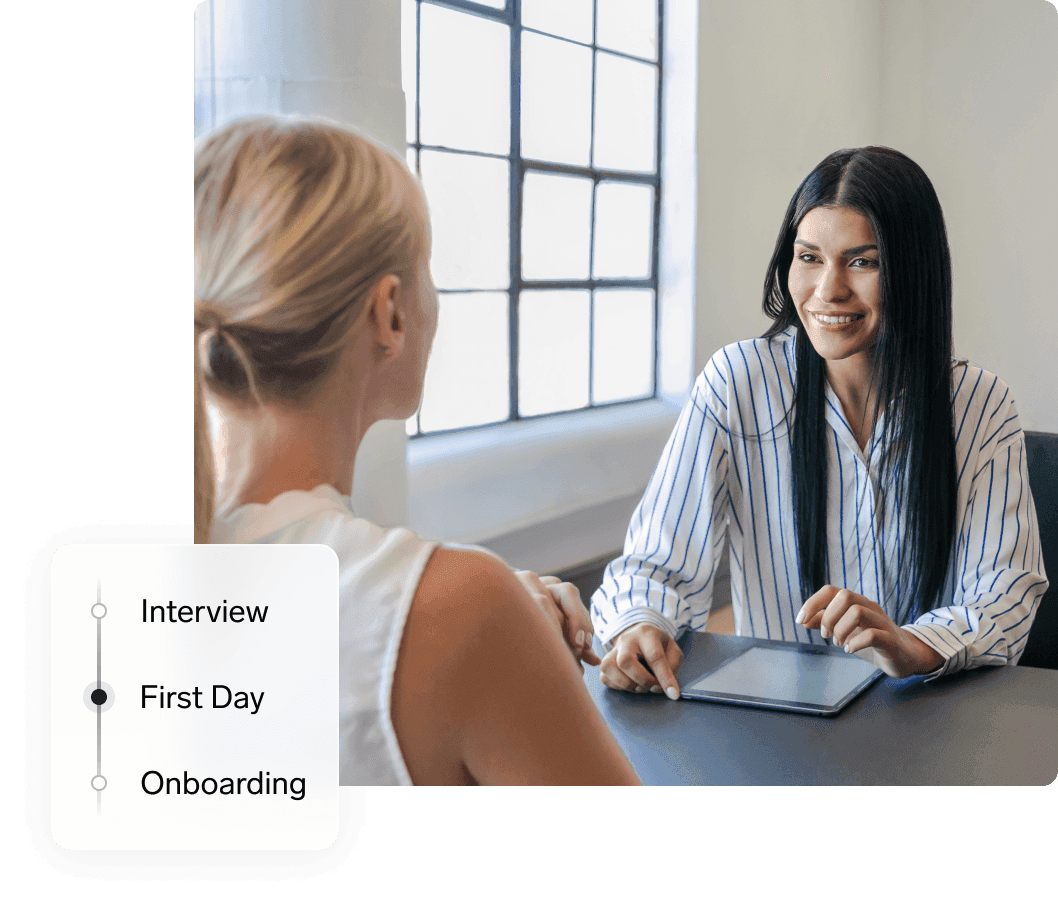
Besides a full record of past and upcoming absences, the Employee Hub contains many other features essential in people management. Managers can view employee information, share onboarding tasks with new employees, get an overview of tracked employee time, and much more. The result is a comprehensive self-service software solution.
In addition, our Slack integration provides another user-friendly option for time-off management. Employees can quickly submit absence requests directly from Slack. Their manager will be notified in the messaging app and can respond to the request with just one click, without disrupting their workflow.
flair’s leave tracking system is compatible with any type of absence, paid or unpaid. You can easily create your own absence categories and accrual policies and assign them to different roles, teams, and locations.
Besides sick leave and paid vacation, you can add work-from-home allowances, family leave, employee wellness days, and additional leave for special occasions or bereavement. This allows you to offer any kind of leave you can think of, facilitating regulatory compliance and helping you attract and retain valuable talent.
You can also configure accrual policies to grant additional leave after an employee has worked at your company for a certain number of years. And if you need to, you can automatically grant employees compensatory leave if they have worked overtime.
flair is a leave management system based on Salesforce, giving you a greater number of options to customize your leave policies to the local requirements of the countries you operate in. Our absence settings include options tailored to a large number of country-specific standards.
For instance, you can choose whether time off is accrued yearly, monthly, or weekly, and configure when accrued absence days expire. For employees who join or leave your company during the year, our proration settings allow you to grant the correct amount of leave. You can also define how accrued absence days are rounded, allowing you to ensure that employees always receive the correct absence entitlement.
Yes. By setting up a flexible workload, you can ensure that employees who work part-time or have flexible hours also accrue the appropriate amount of time off.
An accrual policy sets out how absence entitlement is calculated. It determines how and when staff members accrue days like vacation leave.
For example, a company may provide its staff with 28 paid holidays over the course of one year. By setting out an accrual policy, employees know exactly where they stand on entitlements like sick leave and holiday requests.
Meanwhile, companies can effectively keep on top of absences, work hours, and employee leave eligibility.
Absolutely. flair has a built-in time tracker, so you can keep a reliable record of each employee’s working hours. Whenever time off is approved, the employee’s target hours are automatically reduced by the corresponding amount, giving you an accurate view of actual working time.
You can also use flair for shift planning. Our shift planner gives you an intuitive calendar view of shifts. Define the requirements for each shift, assign them to employees, or share open shifts that employees can voluntarily take. When combined with absence management, these features enable you to assign staff and resources much more efficiently.
Our integrated document management feature is another useful function for absence requests. Employees can upload sick notes and other absence-related documents when they need time off. It’s all in the same system, helping you keep track of every absence.
flair goes beyond conventional leave management software, also providing a range of powerful tools for core HR, recruitment, and employee engagement.
Ready to see how your organization will thrive with flair? Get in touch with us to discuss your needs and see how flair can help you boost your HR efficiency.

Take a tour of flair tailored to your top priorities
We'll support you throughout the process